Download
Get CosmicSSH
Version CosmicSSH — Latest · updated June 13, 2026
16downloads & counting
- Windows PortableCosmicSSH-x64-portable.exe · 76 MB · 11 downloads
- Windows InstallerCosmicSSH-Setup-x64.exe · 76 MB · 5 downloads
- macOS — coming soon
- Linux — coming soon
Features
Everything you need in an SSH client.
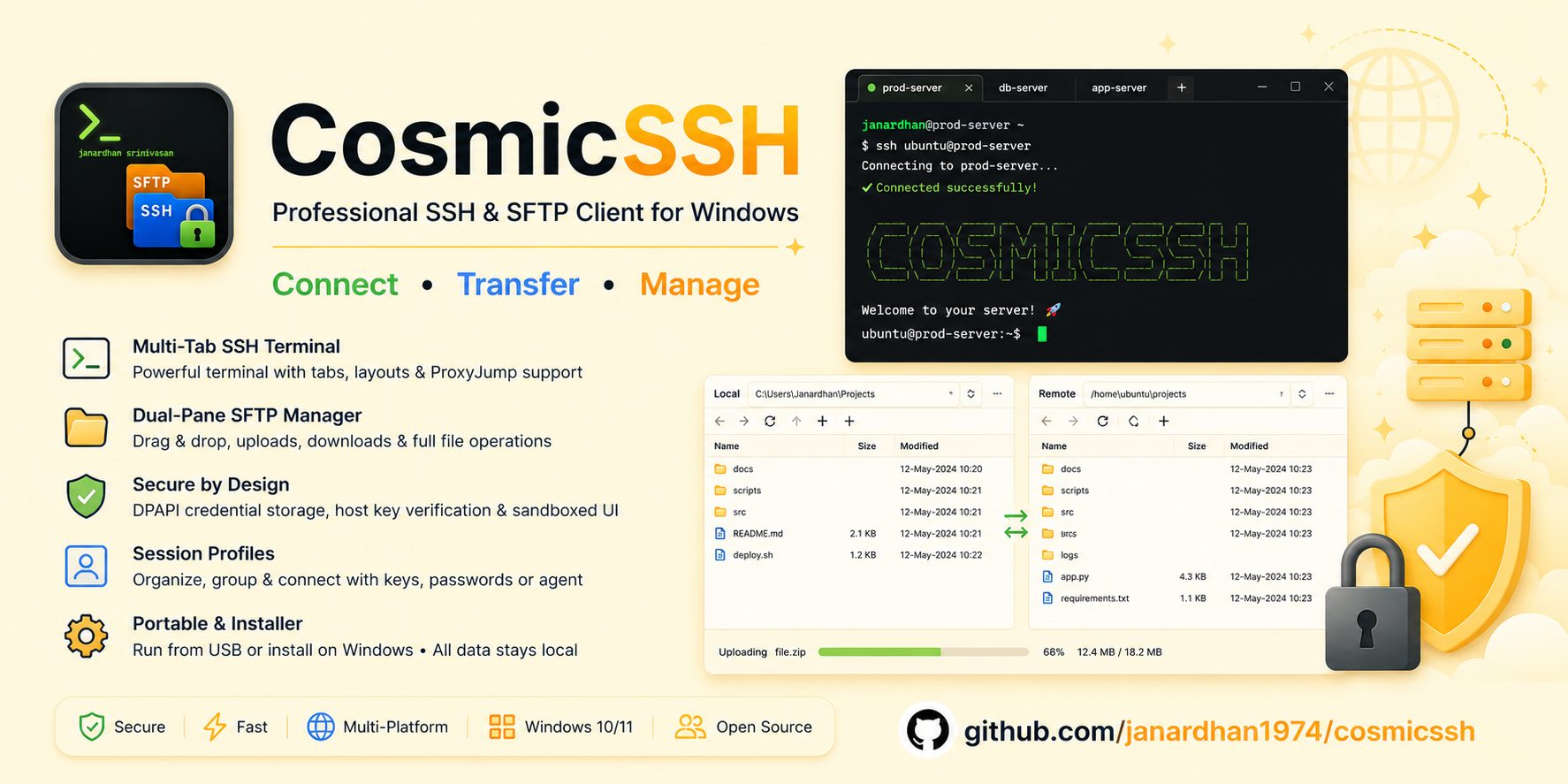
SSH Terminal
- Multi-tab SSH terminals powered by xterm.js with full 256-color support
- Open many sessions at once, each in its own tab
- Tile tabs vertically, horizontally, or as free-floating MDI windows
- ProxyJump / multi-hop chains through bastion hosts, zero manual setup
- Keyboard shortcuts for every action
SFTP File Manager
- Dual-pane browser — local on the left, remote on the right
- Drag & drop files and folders between panes
- Folder upload / download with live progress and ETA
- Create, delete, rename, chmod — edit remote files in your local editor
- SFTP-only profiles to browse files without opening a shell
Session Profiles
- Save and organize profiles by folder / group
- Password, SSH key file, and SSH agent authentication
- ProxyJump chains configured per profile, multiple levels deep
- CSV import / export to back up or share your session list
- F2 to rename, right-click menu, drag-and-drop to regroup
Security
- Encrypted credential storage via Windows DPAPI — never plain text on disk
- Private-key auth (OpenSSH keys, with passphrase support)
- Host-key verification with SHA256 fingerprints and known_hosts
- Sandboxed renderer with Context Isolation — the UI has zero Node.js access
Theming & Customization
- Three built-in themes: Dark, Light, and Blue
- Custom text color plus separate controls for chrome and terminal
- Ctrl + mouse-wheel to zoom the terminal font on the fly
- Wide font choice — Cascadia Mono, Consolas, IBM Plex Mono and more
- Drag to resize the sidebar
Window Management
- Multiple windows open at once
- Tile windows vertically, horizontally, or cascade them
- Tile tabs within a window in any layout
- Collapsible sidebar (Ctrl+B)
Session Logging
- Stream-to-disk logging from the moment you connect
- One-click scrollback dump to a timestamped text file
- ANSI escape sequences stripped — clean, human-readable logs
Portable & Installer
- Portable .exe — drop it on a USB stick and carry your profiles with it
- Installer for per-user setup with Start Menu & desktop shortcuts
- In portable mode all data lives next to the executable — fully self-contained
- Built for Windows 10 & 11